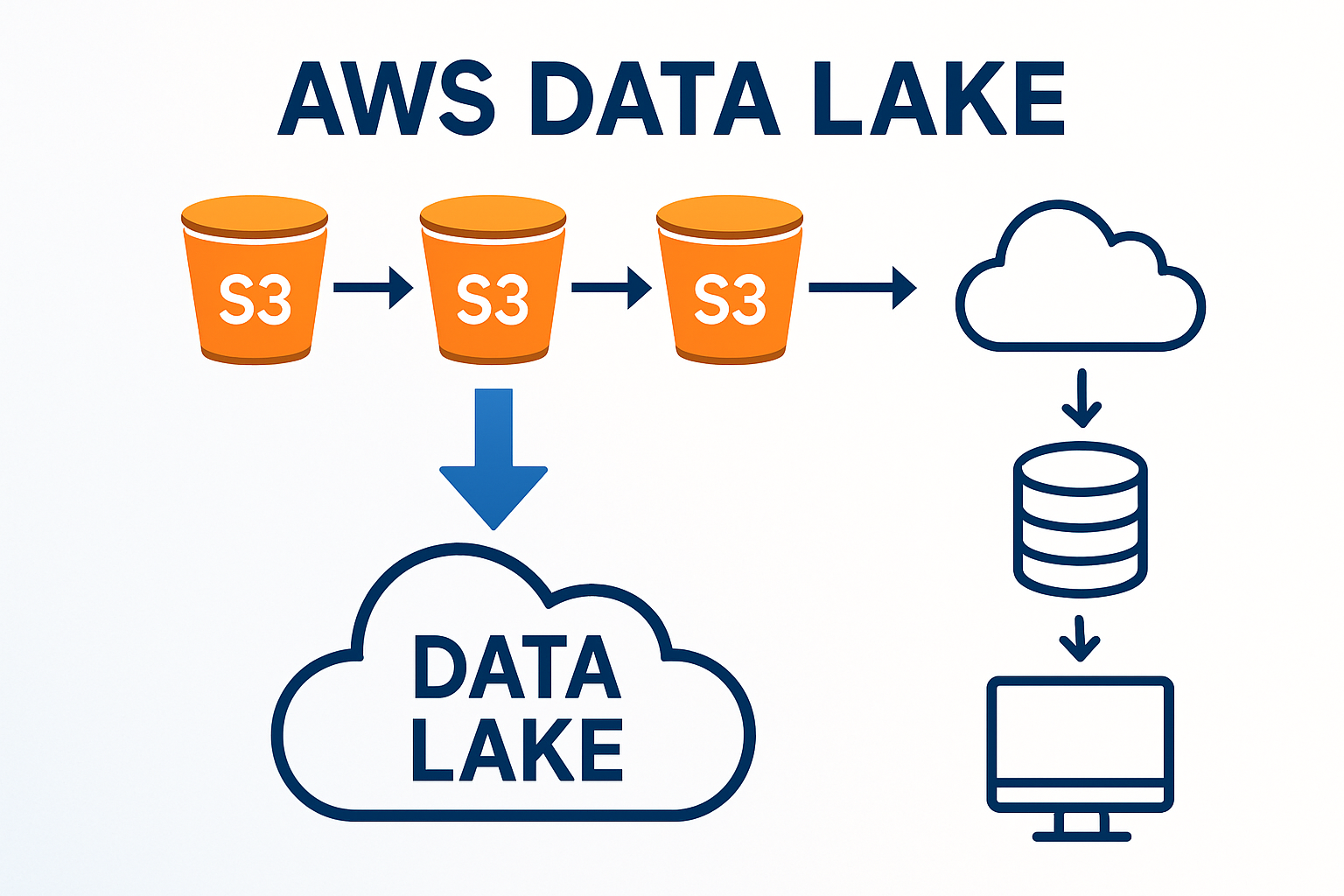
Building Scalable Data Lakes on AWS: Architecture Patterns and Best Practices
A comprehensive guide to designing and implementing enterprise-grade data lakes using AWS services, based on real-world experience.
Building Scalable Data Lakes on AWS: Architecture Patterns and Best Practices
Data lakes have become the cornerstone of modern data architecture, enabling organizations to store vast amounts of structured and unstructured data at scale. Having architected multiple data lake solutions on AWS, I want to share practical insights and proven patterns that can help you build robust, scalable data lakes.
Understanding Data Lake Fundamentals
A data lake is more than just a storage repository—it's a comprehensive ecosystem that enables:
- Schema-on-read flexibility for diverse data types
- Cost-effective storage for large volumes of data
- Advanced analytics capabilities including ML and AI
- Real-time and batch processing workflows
The key is designing an architecture that balances flexibility with governance, performance with cost-efficiency.
Core AWS Services for Data Lakes
Let me walk you through the essential AWS services and how they fit together:
Amazon S3: The Foundation
S3 serves as the primary storage layer with several key considerations:
# Example S3 bucket structure
data-lake-bucket/
├── raw/                    # Landing zone for raw data
│   ├── year=2024/
│   ├── month=05/
│   └── day=15/
├── processed/              # Cleaned and transformed data
│   ├── customer_data/
│   └── transaction_data/
├── curated/               # Business-ready datasets
│   ├── customer_360/
│   └── sales_analytics/
└── archive/               # Long-term storage
Best Practices for S3:
- Use intelligent tiering for automatic cost optimization
- Implement lifecycle policies for data archival
- Enable versioning for critical datasets
- Use cross-region replication for disaster recovery
AWS Glue: Data Processing Engine
Glue provides serverless ETL capabilities with several components:
Glue Data Catalog
Acts as a centralized metadata repository:
- Automatic schema discovery through crawlers
- Schema evolution handling
- Data lineage tracking
- Integration with analytics services
Glue ETL Jobs
Serverless data transformation:
# Example Glue ETL job
import sys
from awsglue.transforms import *
from awsglue.utils import getResolvedOptions
from pyspark.context import SparkContext
from awsglue.context import GlueContext
from awsglue.job import Job

args = getResolvedOptions(sys.argv, ['JOB_NAME'])
sc = SparkContext()
glueContext = GlueContext(sc)
spark = glueContext.spark_session
job = Job(glueContext)
job.init(args['JOB_NAME'], args)

# Read from data catalog
datasource = glueContext.create_dynamic_frame.from_catalog(
    database="data_lake_db",
    table_name="raw_customer_data"
)

# Apply transformations
transformed = ApplyMapping.apply(
    frame=datasource,
    mappings=[
        ("customer_id", "string", "customer_id", "string"),
        ("email", "string", "email_address", "string"),
        ("created_date", "string", "registration_date", "timestamp")
    ]
)

# Write to S3
glueContext.write_dynamic_frame.from_options(
    frame=transformed,
    connection_type="s3",
    connection_options={"path": "s3://data-lake-bucket/processed/customers/"},
    format="parquet"
)

job.commit()
AWS Lake Formation: Governance and Security
Lake Formation provides centralized governance:
- Fine-grained access control at table and column level
- Data discovery and cataloging
- Audit logging for compliance
- Cross-account sharing capabilities
Architecture Patterns
Based on my experience, here are proven architecture patterns:
Pattern 1: Lambda Architecture
Combines batch and real-time processing:
Data Sources → Kinesis → Lambda → S3 (Speed Layer)
     ↓
Data Sources → Glue ETL → S3 (Batch Layer)
     ↓
S3 → Athena/Redshift → Analytics (Serving Layer)
Use Cases:
- Real-time dashboards with historical context
- Fraud detection systems
- IoT data processing
Pattern 2: Kappa Architecture
Stream-first approach:
Data Sources → Kinesis → Kinesis Analytics → S3
     ↓
S3 → Athena → QuickSight
Use Cases:
- Event-driven architectures
- Real-time analytics
- Simplified data pipelines
Pattern 3: Medallion Architecture
Layered data refinement:
Bronze Layer (Raw) → Silver Layer (Cleaned) → Gold Layer (Curated)This pattern, which I've implemented successfully, provides:
- Clear data lineage through layers
- Incremental quality improvement
- Flexible consumption patterns
Real-World Implementation: Case Study
Let me share a recent implementation that demonstrates these concepts:
The Challenge
A retail client needed to:
- Integrate data from 15+ sources
- Support real-time inventory tracking
- Enable advanced analytics for demand forecasting
- Ensure compliance with data privacy regulations
The Solution Architecture
┌─────────────────┐    ┌──────────────┐    ┌─────────────────┐
│   Data Sources  │───▶│   Kinesis    │───▶│   Lambda        │
│   - POS Systems │    │   Streams    │    │   Processing    │
│   - Web Analytics│    └──────────────┘    └─────────────────┘
│   - CRM         │                                │
│   - ERP         │                                ▼
└─────────────────┘                        ┌─────────────────┐
         │                                  │       S3        │
         │                                  │   Bronze Layer  │
         ▼                                  └─────────────────┘
┌─────────────────┐                                │
│   AWS Glue      │◀───────────────────────────────┘
│   ETL Jobs      │
└─────────────────┘
         │
         ▼
┌─────────────────┐    ┌──────────────┐    ┌─────────────────┐
│       S3        │───▶│   Athena     │───▶│   QuickSight    │
│   Silver/Gold   │    │   Queries    │    │   Dashboards    │
│   Layers        │    └──────────────┘    └─────────────────┘
└─────────────────┘
Key Implementation Details
Data Ingestion Strategy
- Real-time streams for POS and web data using Kinesis
- Batch uploads for CRM and ERP using Glue crawlers
- Change data capture for database sources
Data Processing Pipeline
# Glue job for customer 360 view
def create_customer_360():
    # Read from multiple sources
    customers = read_from_catalog("customers")
    transactions = read_from_catalog("transactions")
    web_events = read_from_catalog("web_events")

    # Join and aggregate
    customer_360 = customers.join(transactions, "customer_id") \
                           .join(web_events, "customer_id") \
                           .groupBy("customer_id") \
                           .agg(
                               sum("transaction_amount").alias("total_spent"),
                               count("web_session_id").alias("web_sessions"),
                               max("last_purchase_date").alias("last_activity")
                           )

    # Write to gold layer
    write_to_s3(customer_360, "s3://data-lake/gold/customer_360/")
Security and Governance
- Lake Formation permissions for role-based access
- S3 bucket policies for cross-account access
- CloudTrail logging for audit requirements
- KMS encryption for data at rest
Results Achieved
- 40% reduction in data processing time
- 99.9% data availability with automated monitoring
- Compliance with GDPR and CCPA requirements
- $200K annual savings through S3 intelligent tiering
Performance Optimization Strategies
1. Partitioning Strategy
Proper partitioning is crucial for query performance:
-- Effective partitioning for time-series data
CREATE TABLE sales_data (
    transaction_id string,
    customer_id string,
    amount decimal(10,2),
    product_category string
)
PARTITIONED BY (
    year int,
    month int,
    day int
)
STORED AS PARQUET
LOCATION 's3://data-lake/curated/sales/'
2. File Format Optimization
Choose the right format for your use case:
- Parquet: Best for analytical workloads
- ORC: Optimized for Hive/Spark
- Avro: Schema evolution support
- Delta Lake: ACID transactions
3. Compression and Encoding
Implement appropriate compression:
# Glue job with optimized output
glueContext.write_dynamic_frame.from_options(
    frame=transformed_data,
    connection_type="s3",
    connection_options={
        "path": "s3://data-lake/processed/",
        "compression": "snappy"
    },
    format="parquet",
    format_options={
        "writeHeader": False,
        "compression": "snappy"
    }
)
Cost Optimization Best Practices
1. Storage Optimization
- Use S3 Intelligent Tiering for automatic cost optimization
- Implement lifecycle policies for data archival
- Delete incomplete multipart uploads regularly
2. Compute Optimization
- Right-size Glue jobs based on data volume
- Use Glue job bookmarks to process only new data
- Implement spot instances for non-critical workloads
3. Monitoring and Alerting
# CloudWatch custom metrics for cost monitoring
import boto3

cloudwatch = boto3.client('cloudwatch')

def publish_cost_metric(service, cost):
    cloudwatch.put_metric_data(
        Namespace='DataLake/Costs',
        MetricData=[
            {
                'MetricName': f'{service}_Cost',
                'Value': cost,
                'Unit': 'None'
            }
        ]
    )
Security Considerations
1. Data Encryption
- Encryption at rest using S3 default encryption
- Encryption in transit with SSL/TLS
- Key management with AWS KMS
2. Access Control
{
  "Version": "2012-10-17",
  "Statement": [
    {
      "Effect": "Allow",
      "Principal": {
        "AWS": "arn:aws:iam::ACCOUNT:role/DataAnalyst"
      },
      "Action": [
        "s3:GetObject"
      ],
      "Resource": "arn:aws:s3:::data-lake-bucket/curated/*",
      "Condition": {
        "StringEquals": {
          "s3:x-amz-server-side-encryption": "AES256"
        }
      }
    }
  ]
}
3. Data Privacy
- PII detection and masking
- Data retention policies
- Right to be forgotten implementation
Monitoring and Observability
Key Metrics to Track
- Data freshness: Time since last update
- Data quality: Completeness, accuracy, consistency
- Performance: Query response times, job duration
- Costs: Storage and compute expenses
Automated Monitoring Setup
# Lambda function for data quality monitoring
import boto3
import json

def lambda_handler(event, context):
    athena = boto3.client('athena')

    # Check data freshness
    query = """
    SELECT MAX(ingestion_timestamp) as last_update
    FROM data_catalog.raw_transactions
    """

    response = athena.start_query_execution(
        QueryString=query,
        ResultConfiguration={
            'OutputLocation': 's3://query-results-bucket/'
        }
    )

    # Process results and send alerts if needed
    return {
        'statusCode': 200,
        'body': json.dumps('Monitoring completed')
    }
Future Considerations
As data lakes evolve, consider these emerging trends:
1. Data Mesh Architecture
- Domain-oriented data ownership
- Self-serve data infrastructure
- Federated governance model
2. Real-time Analytics
- Stream processing with Kinesis Analytics
- Real-time ML with SageMaker
- Event-driven architectures
3. AI/ML Integration
- Feature stores for ML workflows
- Automated data discovery
- Intelligent data cataloging
Conclusion
Building a successful data lake on AWS requires careful planning, proper architecture design, and ongoing optimization. The key is to start with a solid foundation and evolve your architecture as your needs grow.
Remember these critical success factors:
- Start simple and iterate
- Prioritize governance from day one
- Monitor costs continuously
- Plan for scale from the beginning
The investment in a well-architected data lake pays dividends through improved analytics capabilities, faster time-to-insight, and reduced operational overhead.
Have you implemented data lakes on AWS? What challenges have you faced, and what patterns have worked best for your organization? I'd love to hear about your experiences in the comments.